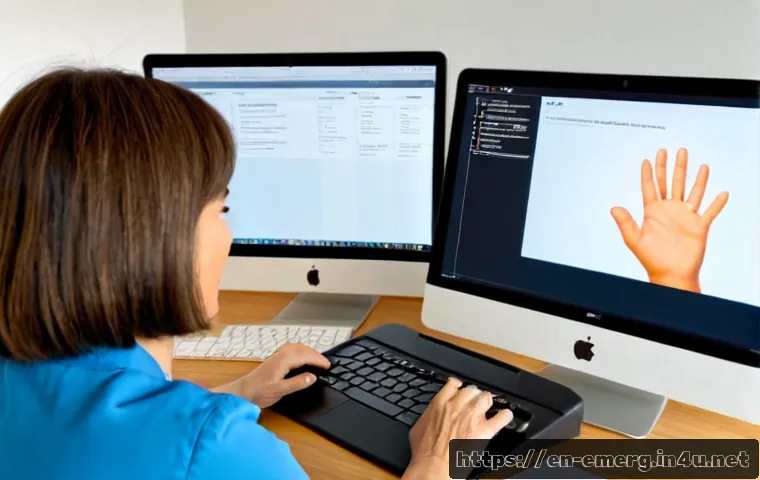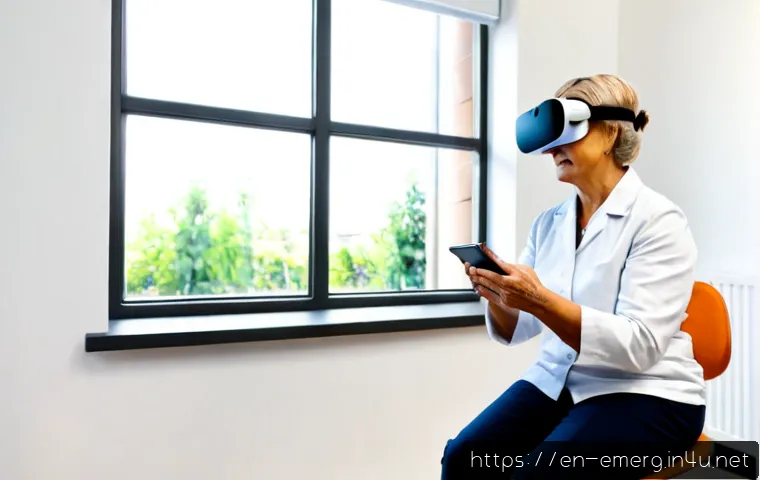
New rehabilitation technology can help occupational therapists deliver repeatable practice, feedback, remote support, and adaptive access, but it should always serve a functional goal.
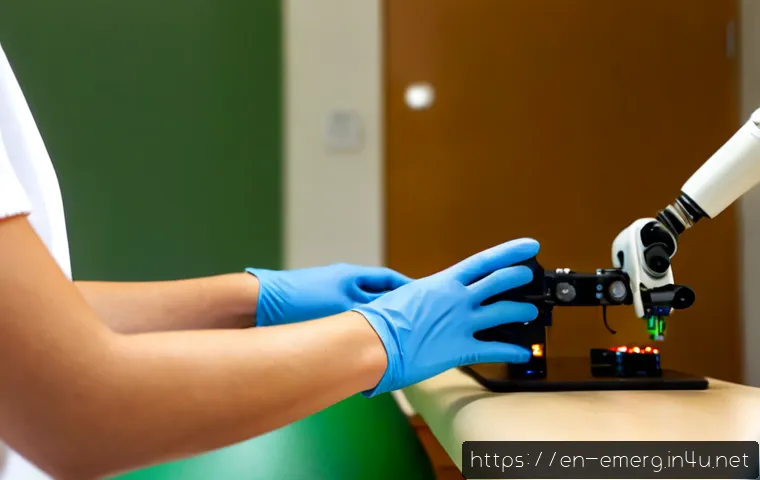
The best choice depends on the client population, therapist training, workflow, safety requirements, and the total cost of ownership—not on novelty alone.
Low-cost adaptive tools may suit daily-living barriers, software subscriptions may fit ongoing coaching and tracking needs, and capital equipment may be appropriate when a clinic can support training, maintenance, and regular use.
Virtual reality, sensors, robotics, electrical stimulation, and telehealth can each fit different therapy settings. Before purchasing or leasing equipment, clinics should compare setup demands, recurring costs, privacy needs, and the quality of vendor support.
A structured vendor demo can reveal whether a promising device will actually fit clinical practice.
At a Glance
- Low-cost adaptive technology is often a practical starting point for improving computer access, communication, environmental control, and home independence.
- Software subscriptions and telehealth platforms can support coaching, caregiver training, follow-up, and home-program review when clinically appropriate and permitted.
- Capital rehabilitation equipment may fit clinics that can justify staff training, maintenance, storage, privacy review, and consistent client use.
| Technology Category | Common Use Case | Setup Needs | Recurring Considerations | Vendor Demo Question |
|---|---|---|---|---|
| Virtual reality and interactive systems | Task-focused practice, balance, upper-limb activity, community simulations | Space, display hardware, cleaning process, clinician orientation | Software access, updates, technical support | Can activities be matched to meaningful occupational goals? |
| Wearable sensors and smart exercise tools | Movement feedback and repeatable exercise practice | Device fitting, charging, data workflow | Accessories, software, support | How easily can therapists interpret data during a session? |
| Robotics and electrical stimulation | Selected upper-limb or neuromuscular interventions | Training, screening process, storage, safety procedures | Maintenance, servicing, staff onboarding | What training and contraindication guidance are included? |
| Adaptive and smart-home technology | Daily independence, access, communication, environmental control | Client-specific setup and home compatibility review | Replacement parts, app compatibility, support | Can the system work in the client’s actual environment? |
| Telehealth platforms | Remote coaching, caregiver education, home-program review | Privacy review, workflow protocols, client access | Platform subscription and technical support | How are privacy, documentation, and accessibility handled? |
What New Rehabilitation Tools Can Add to Occupational Therapy
The Short Answer: Technology Should Support Functional Goals, Not Become the Goal
A new device is useful when it helps a client work toward a meaningful activity: participating at home, using a computer, managing a routine, moving safely in the community, or practicing a valued role. Technology is a delivery tool, not the treatment goal itself. A clinic should begin with the occupational performance problem, then determine whether a digital or device-based option improves the therapy process.
For example, a task-training system may create repeatable upper-limb practice, while an adaptive access tool may remove a barrier to communication or computer use. The decision should still reflect the client’s diagnosis, tolerance, cognition, safety needs, home environment, and therapist judgment.
Where Digital and Device-Based Tools Can Improve Engagement, Repetition, Feedback, or Access
Virtual reality can offer structured, repeatable activities that may support motivation, balance practice, upper-limb training, and community-function simulations. Sensor-based tools may provide movement information during an activity. Telehealth can extend coaching and home-program review beyond the clinic when appropriate.
Adaptive technology has a different role. Instead of adding more exercise repetitions, it may help a person complete an activity more independently through environmental controls, alternative computer access, communication supports, or smart-home integrations.
When Standard Therapeutic Activities May Remain the Better Option
Conventional activities may be the better choice when technology adds setup time without improving participation, when a client has difficulty tolerating the interface, or when the equipment does not reflect the real task environment. A device score or game-like activity should not replace observation of how a client performs meaningful daily tasks.
Comparing Common Technology Categories for Clinical Practice
Virtual Reality and Interactive Task-Training Systems
Virtual reality systems can support task-focused practice in an engaging format. They may be considered for balance activities, upper-limb work, or simulated community situations. During a clinic equipment comparison, assess whether the system allows therapists to adjust task demands and connect sessions to functional goals.
Check before selecting: physical space, hygiene procedures, client comfort, accessibility options, staff workflow, and whether the activity transfers logically to real-life participation.
Wearable Sensors, Smart Exercise Tools, and Movement Tracking
Wearable sensors and smart exercise tools can capture movement metrics and provide feedback during practice. These data can be helpful as one part of clinical reasoning, especially when a therapist needs a repeatable way to review performance over time.
However, movement data should complement—not replace—clinical observation and functional goal setting. Ask how the data are displayed, documented, stored, and explained to clients. A complicated dashboard can create more workflow burden than clinical value.
Robotics, Electrical Stimulation, and Upper-Limb Training Devices
Robotic and sensor-based rehabilitation devices may offer structured movement practice and measurement. Functional electrical stimulation may be used by appropriately trained clinicians as part of interventions for selected clients with neuromuscular impairments. These options usually require more careful consideration of safety screening, training requirements, technical support, and maintenance.
Before requesting a quote, clarify which staff members will use the device, how competency will be maintained, and what happens if technical problems interrupt a scheduled session. A high-cost device with limited staff confidence may not deliver the expected clinical value.
Adaptive Technology, Smart-Home Supports, and Computer Access Tools
Adaptive technology can be highly relevant to occupational therapy because it directly addresses daily participation. Examples include alternative computer access, communication supports, environmental controls, and smart-home integrations. The strongest fit is often found when a therapist evaluates the actual activity and environment where the person needs support.
Compatibility matters. A tool that works well in a demonstration may not work with the client’s home layout, existing devices, routines, or caregiver support. Portable solutions may be preferable when needs vary across settings.
Telehealth and Remote Home-Program Platforms
Telehealth platforms can support remote coaching, caregiver training, follow-up appointments, and home-program review when clinically appropriate and permitted. They may be especially useful when the home context is important to the intervention.
Evaluate privacy processes, client accessibility, documentation workflow, camera and audio quality, and technical support. Remote delivery should not be assumed appropriate for every client or every intervention.
Value, Cost, and Workflow Questions Before Adding Equipment
Upfront Purchase, Subscription, Accessories, and Maintenance Costs
The purchase price is only one part of a rehabilitation technology budget. Total cost of ownership may include software subscriptions, accessories, maintenance, staff onboarding, privacy review, technical support, and time spent integrating the tool into documentation and scheduling.
When comparing leasing versus purchasing, focus on the clinic’s expected use pattern and operational capacity. A lower entry cost may still create recurring obligations, while ownership may bring maintenance and upgrade responsibilities. Exact costs vary by vendor, region, contract, and service level, so they should be confirmed directly.
Staff Onboarding, Infection-Control Needs, Storage, and Technical Support
Implementation can fail even when the equipment is clinically promising. Ask who will train new staff, where the device will be stored, how it will be cleaned between users, and how technical issues will be handled during patient care. A clinic should also identify who is responsible for charging, updates, account access, and basic troubleshooting.
Vendor-Demo Questions That Reveal Real Clinic Fit
A vendor demo should test the clinic’s real workflow rather than only showcase ideal features. Ask the vendor to demonstrate setup, cleaning, clinician controls, documentation options, accessibility features, support channels, and staff training. Request a clear explanation of what is included in the agreement and what may require an additional service level.
Useful question: “Can our therapists run a typical session safely and efficiently after the stated onboarding process?”
When Leasing, Pilot Programs, or Lower-Cost Alternatives May Make More Sense

Leasing, a pilot program, or a lower-cost tool may be sensible when a clinic is still testing demand, staff adoption, or workflow fit. Starting with a limited implementation can help reveal whether the tool improves care delivery before the clinic expands its equipment inventory.
Safe Implementation: Clinical Screening, Training, and Documentation
Match the Tool to Occupational Performance Goals and Client Tolerance
Start with the client’s functional goals, then select the level of technology needed. Consider the diagnosis, tolerance, cognition, sensory needs, physical access, and environment. A useful tool should fit the person’s current capacity while supporting an occupational outcome that matters to them.
Screen for Safety, Sensory, Cognitive, and Accessibility Barriers
Not every client can safely use every device. Individualized clinical assessment and relevant contraindication screening are necessary before using technology such as electrical stimulation, robotic equipment, immersive systems, or remote platforms. Therapists should follow their training, clinical policies, and applicable requirements.
Protect Privacy When Software, Cameras, Cloud Records, or Remote Sessions Are Involved
Any platform involving cameras, cloud records, client accounts, or remote visits requires privacy review. Clinics should understand where information is stored, who can access it, how accounts are managed, and how the platform fits existing documentation practices.
Avoid Overrelying on Device Scores or Novelty Effects
Early enthusiasm does not necessarily show sustained clinical value. Track whether the technology improves engagement, access, therapist efficiency, or the ability to address meaningful goals. Device-generated metrics are useful only when interpreted in the broader context of functional performance.
Practical Use Cases by Therapy Setting
Outpatient Rehabilitation and Neurological Recovery
Outpatient settings may use virtual reality, sensors, robotics, or selected electrical stimulation interventions to support structured practice. The key question is whether the equipment supports functional training and can be incorporated into a session without displacing necessary hands-on observation or task analysis.
Pediatric Therapy and Play-Based Participation Goals
Interactive systems may support engagement when they can be adapted to play-based participation goals. Therapists should still consider attention, sensory preferences, communication needs, and whether the activity connects to meaningful routines rather than only screen-based performance.
Older-Adult Care, Fall Prevention, and Home Independence
For older adults, adaptive technology and home-focused supports may be especially relevant to independence. Environmental controls, smart-home integrations, computer access tools, and caregiver training can be considered alongside balance or movement practice. Simplicity, usability, and home compatibility should be prioritized.
School, Workplace, and Community Accessibility Support
In school, workplace, and community contexts, the most effective technology may be the tool that reduces an access barrier. Alternative computer access, communication supports, and environmental adaptations can help align intervention with participation in real settings.
Selection Criteria and Comparison Summary
Before requesting quotes, compare functional fit, client safety, staff training requirements, usability, privacy needs, technical support, and total cost of ownership. Confirm whether the tool works in the intended setting, whether staff can integrate it into normal documentation and scheduling, and whether the vendor explains ongoing subscription, maintenance, accessory, and support requirements. Start with a defined use case, measure adoption, and expand only when the technology improves care delivery. Compare total ownership costs before requesting a quote, and review official product details and contract conditions on the relevant vendor page.
Conclusion
New rehabilitation technology can add useful options to occupational therapy, but the best investment is rarely the most complex device. A well-chosen tool supports meaningful occupational performance, fits staff workflow, and can be used safely and consistently. Clinics should treat equipment selection as a clinical and operational decision. Clear goals, realistic implementation planning, and careful vendor evaluation reduce the risk of an expensive tool sitting unused.
Useful Information to Know
1. A repeatable activity is not automatically a functional activity; therapists should connect practice to real participation goals.
2. Data from sensors and devices can inform treatment, but they do not replace observation and clinical reasoning.
3. Training, privacy review, maintenance, and support can affect equipment value as much as the initial purchase decision.
4. Home-based technology should be evaluated in relation to the client’s actual environment, routines, and available support.
Important Considerations
Technology suitability, availability, regulatory status, pricing, reimbursement, and maintenance terms vary by vendor, location, service agreement, and client population. No device can be assumed appropriate for every diagnosis or client group. Individual assessment, safety screening, therapist training, and applicable clinical and privacy requirements should guide implementation.
Frequently Asked Questions
Q1. What technology is most useful for an occupational therapy clinic?
A1. The most useful technology is the option that supports the clinic’s common functional goals and can be used consistently by trained staff. Adaptive technology may be a strong fit for independence and access needs, while virtual reality, sensors, or robotic tools may fit selected practice and movement-training needs.
Q2. How much should a clinic budget for rehabilitation technology and software?
A2. Budgeting should include more than the equipment purchase price. Review possible software subscriptions, accessories, maintenance, onboarding, privacy review, technical support, storage, and workflow time. Exact costs vary by vendor, region, contract, and service level.
Q3. Are virtual reality and robotic therapy devices safe for all occupational therapy clients?
A3. No. Safety and suitability depend on individualized assessment, relevant screening, the client’s cognition and tolerance, accessibility needs, diagnosis, and therapist training. These tools should be used only when clinically appropriate and within applicable practice requirements.